Build Your First App
Sign in, start a Jam, and turn an idea into a working app.
Step 0: Sign In
Let's start by signing in. Head over to nullshot.ai and click the purple Sign In button in the top right.
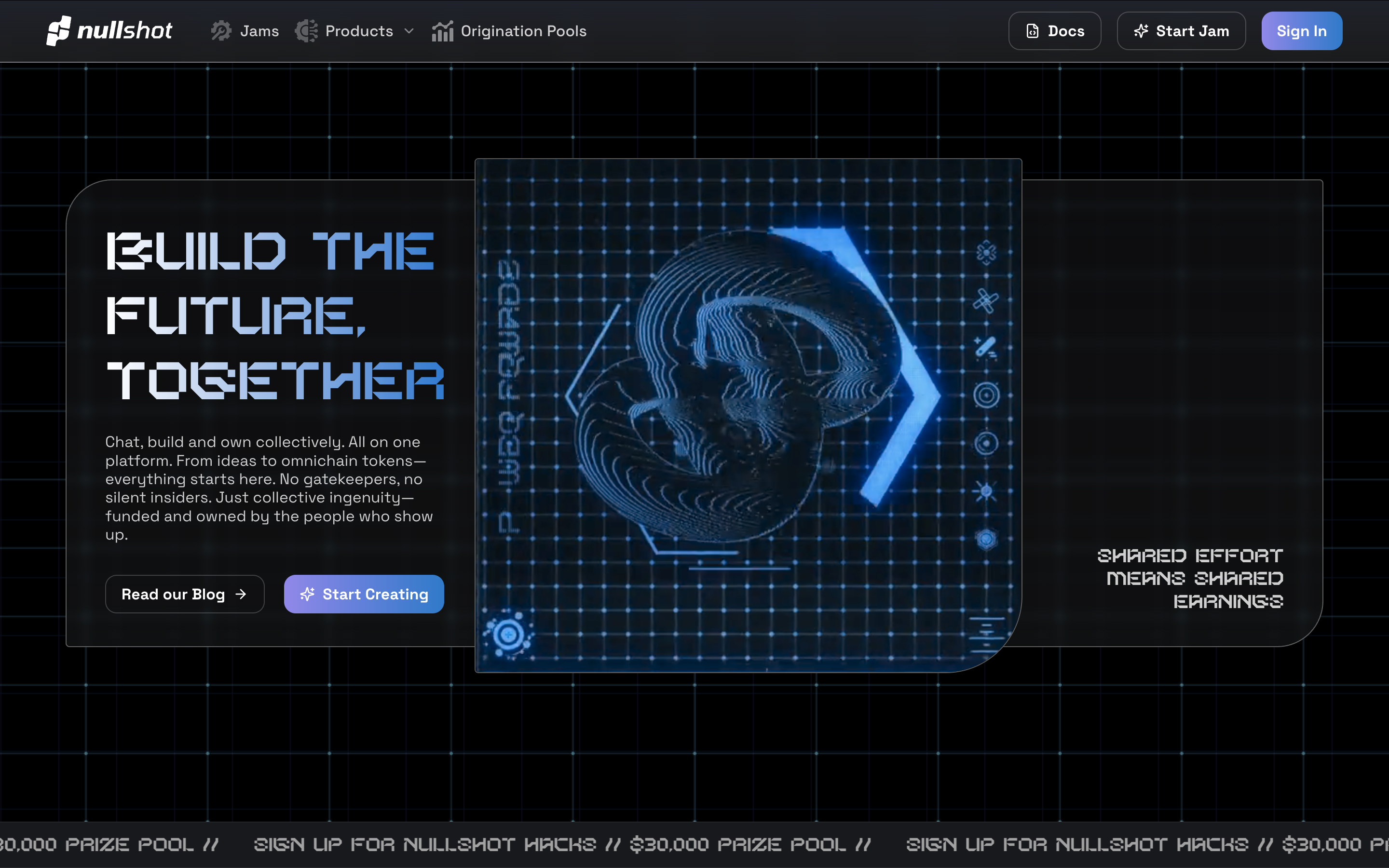
Choose how you want to sign in and you're ready to go.
Step 1: Start Your First Jam
Now let's start your first jam. See that big purple "Start Jam" button in the top right? Click it, and we'll start creating something.
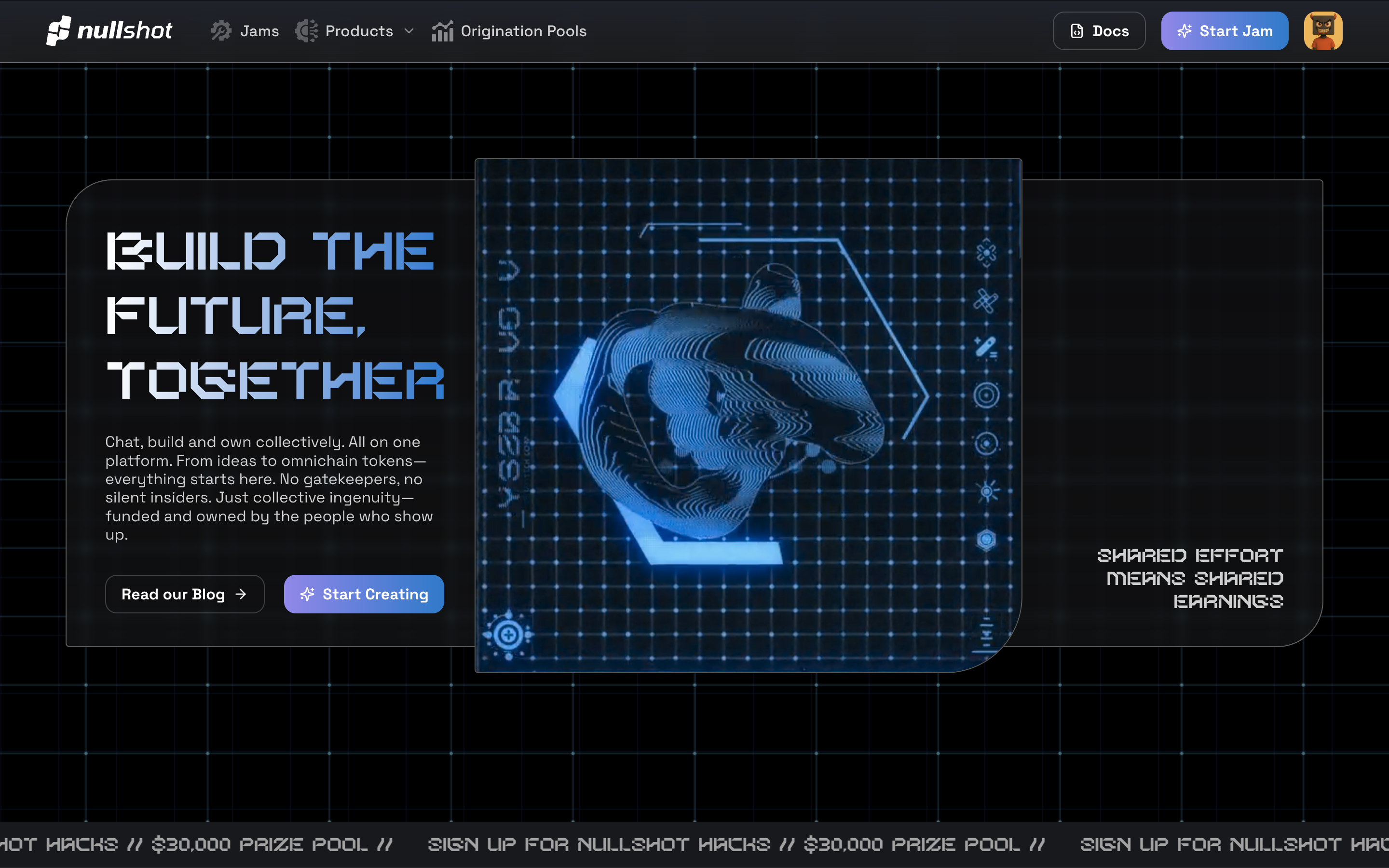
Step 2: Choose What to Create
A dialog opened asking "What do you want to create?" At the top you'll see tabs for different project types.
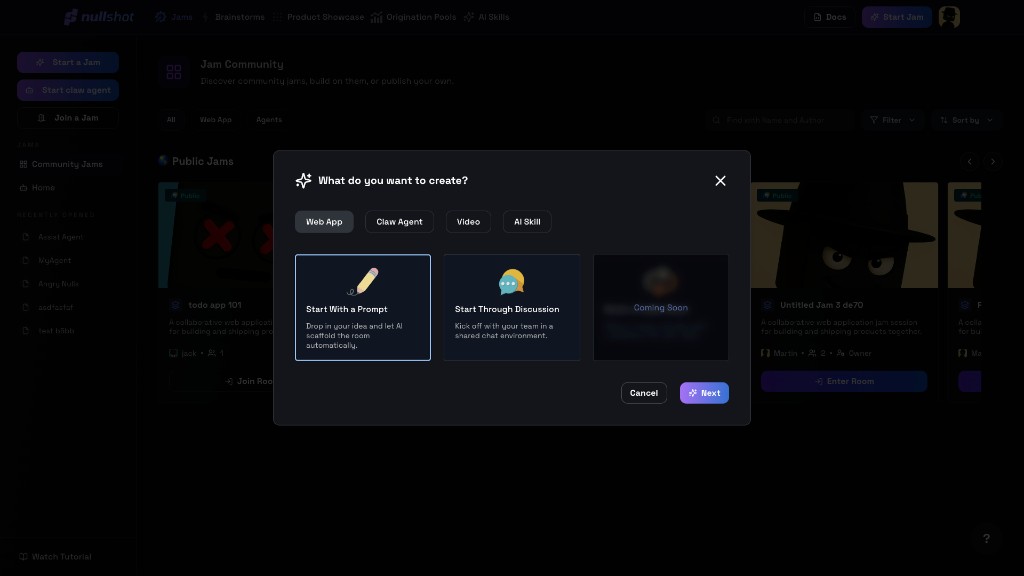
Choose Web App, describe what you want to build, and continue through the guided setup.